How to collect user feedback: Practical methods, examples, and workflows


Key takeaways:
Focus on daily users, not just buyers: In enterprise products, paying customers rarely use the tool daily, so direct user feedback is vital as AI shifts the bottleneck to organizational judgment.
Capture user feedback across every channel: Valuable input surfaces in Slack, Jira, email, forums, social media, and user interviews, but disconnected tools cause key insights to get buried.
Turn noise into shipped value with a user feedback tool: Centralizing intake, using AI to structure themes while product managers stay in control, and linking evidence to roadmaps keeps strategy aligned.
Close the feedback loop internally and externally: Automated status alerts for internal teams alongside email updates and a customer portal show contributors how their feedback becomes shipped features.
Every successful product needs users.
Every successful product needs customers, as well. Often, the terms "customer" and "user" are used interchangeably. However, in product management, these two are not always the same. The customer isn't always the one using your product, and the user isn't always the one paying, especially when it comes to enterprise product design.
In these situations, gathering customer feedback may not be as effective as you'd hope—you could ask the gatekeepers and decision-makers what they think of your product, but if they aren't the ones using it day in and day out, then their input might not be all that valuable.
Instead, it's better to try and gather feedback from those using the product: your users.
At the same time, collecting feedback is only half the battle. AI has made it dramatically easier and faster to analyze information, write documents, and build software—which means the real bottleneck in modern product teams is no longer engineering speed, but organizational judgment. Without repeatable user feedback management to capture scattered signals, turn that noise into structured insights, decide what actually deserves to be built, and close the loop after launch, even the fastest product teams risk shipping the wrong things.
can support your team.
Book a demo
How to gather user feedback
The good news is that it can be far easier to gather user feedback than customer feedback.
As the user is frequenting your product, there are many opportunities to gather feedback both directly and indirectly. General product usage will generate indirect feedback in the form of how people are using your product (such as usage analytics). However, this indirect feedback can only tell you so much, as it cannot capture a user's thoughts and feelings as they experience your product.
Gathering user feedback requires a different approach than customer feedback. Customers may leave reviews on social media or a third-party review site. You can also send out follow-up surveys to gather further information. This can all be collated by CRM software to give valuable insights, but more often than not these reviews reflect short-term usage or offer a view of the purchasing experience rather than the product experience, which is what you're after.
By gathering user feedback, rather than customer feedback, you can get a much better picture of how people feel using your product. They have far more experience with the product than customers and can give you a more in-depth and reliable response.
Gathering user feedback can be simple, with a range of ways to obtain it. Here are some practical user feedback examples, workflows, and tools to get you started.
Practical methods to collect user feedback (with examples)
To build a complete picture of the user experience, combine passive behavioral signals with direct qualitative and quantitative methods across every touchpoint where users and customer-facing teams interact with your product.
Passive and behavioral feedback
Indirect feedback comes from observing how people actually interact with your product day to day. Think usage analytics, feature adoption trends, or workflow drop-offs. While behavioral data shows what users do without interrupting their workflow, it cannot capture the thoughts, frustrations, or motivations behind their actions, which is why pairing it with direct feedback methods is essential.
Targeted surveys and micro-polls
Structured surveys and quick in-app micro-polls let you collect direct feedback at key moments in the user journey. Effective survey examples include:
Customer satisfaction (CSAT) polls: Triggered immediately after a user completes a key workflow or support interaction (for example, "How satisfied were you with setting up your first report today?").
Net Promoter Score (NPS) check-ins: Periodic pulse surveys measuring how likely users are to recommend your product, paired with an open-ended "What is the primary reason for your score?" follow-up.
Customer Effort Score (CES) prompts: Single-question check-ins asking how easy it was to accomplish a specific task or resolve an issue.
Contextual feature polls: Lightweight, in-product prompts embedded directly in the UI to capture immediate reactions to a newly launched capability.
Keep surveys short and focused. Asking in the moment of product usage yields far higher response rates and more reliable insights than long, generic questionnaires.
One-on-one user interviews and live calls
There's no rule that says you can't collect user feedback face-to-face. If you're working on internal products, it's fairly simple to set up a quick discussion with users on a semi-regular basis. For external users, speaking face-to-face or over live video calls is a great way to test your UX, explore new ideas, and keep the conversation flowing.
These conversations are ideal for understanding a user's objectives, why they use your product to achieve them, what challenges they face, and how important each issue is to them. By holding regular sessions with your product users and ingesting those call transcripts directly into your feedback workflow, you can shape future efforts and keep adding value.
Customer support and community forums
Support portals and forum-style layouts, such as Zendesk, make it far easier to collect and organize user feedback, alongside self-service troubleshooting and two-way discussions. A structured forum groups all types of feedback by topic or feature automatically, allowing teams to read requests in context and navigate recurring themes effortlessly.
Assigning moderators with strong product knowledge keeps threads constructive while reducing repetitive customer service costs. Best of all, community forums create a sense of shared ownership among users, with product advocates frequently helping others solve issues without needing a support agent.
Social listening and public communities
Chances are, your users are already sitting in prebuilt communities across LinkedIn, X (Twitter), GitHub, and niche industry forums. When it comes to gathering user feedback, you should be where your users already are, monitoring unprompted conversations, responding to posts, and hunting for candid insights that might never make it into a formal support ticket.
Internal frontline channels
Valuable user feedback also flows through the everyday tools your internal teams already use to communicate and track work:
Team messaging channels: Setting up a dedicated channel in Slack or Microsoft Teams lets team members drop product feedback the moment an idea or customer pain point comes up—though fast-moving threads can easily bury insights without automated intake.
Project management boards: Tasks, cards, and columns in tools like Jira or ClickUp allow internal users to log feedback in context during active work, though merging and categorizing feedback hidden behind cards manually quickly becomes time-intensive.
Direct email: Email remains a natural channel for sending feature ideas or bug reports straight to a product manager or dedicated feedback address, though high inbox volume makes it easy for individual messages to slip through the cracks without a strict filtering system.


Unifying collection methods into a continuous feedback workflow
As your user base grows, collecting feedback across all of these channels can quickly become overwhelming. Rather than juggling disconnected spreadsheets, chat threads, and support tickets, high-performing teams bring all feedback streams into a single place, where they can view internal and end-user input alongside commercial customer context for a complete picture.
Across enterprise teams, real-world user feedback examples take many forms: a quick feature request dropped in Slack, a bug logged on a Jira card, a usability complaint buried in a Gong sales call transcript, or an enhancement idea submitted via a customer portal. Without a unified system, those signals stay trapped in silos.
To turn raw feedback into shipped value rather than an ever-growing backlog of noise, modern teams rely on an end-to-end feedback workflow:
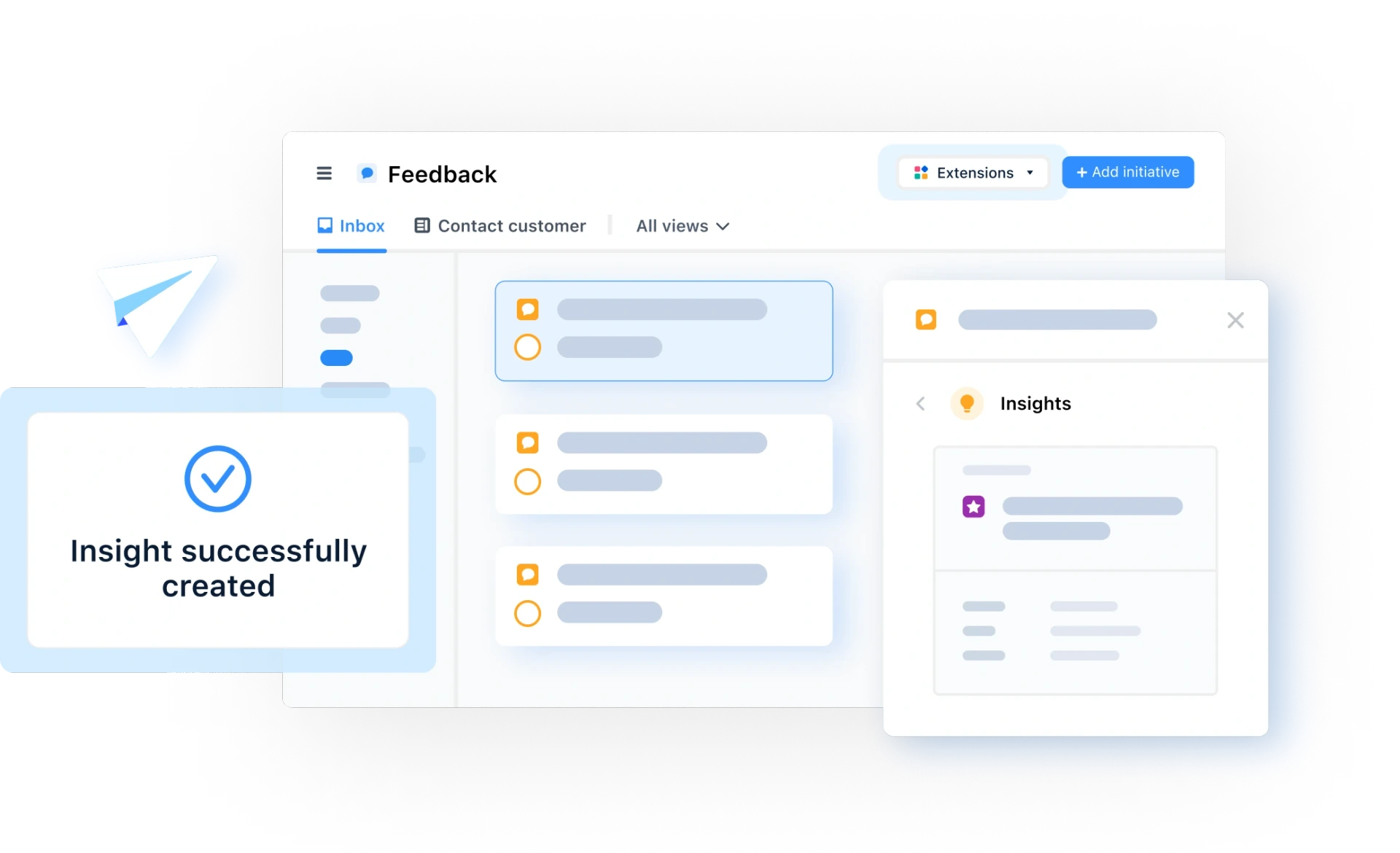
Centralize intake automatically: Route incoming signals from Slack, Microsoft Teams, Zendesk, email, call transcripts, and your feedback portal straight into one unified feedback inbox so nothing gets lost across channels.
Turn scattered noise into structured insights with AI: Instead of spending hours manually tagging every submission, use AI theme identification and data classification to surface recurring patterns and structure incoming feedback, while keeping product managers firmly in control of what gets created and prioritized.
Automate repetitive triage and routing: Set up event-based and AI-assisted workflows (if-this-then-that rules) to automatically enrich incoming feedback with account context, route it to the right product team, and notify the responsible PM.
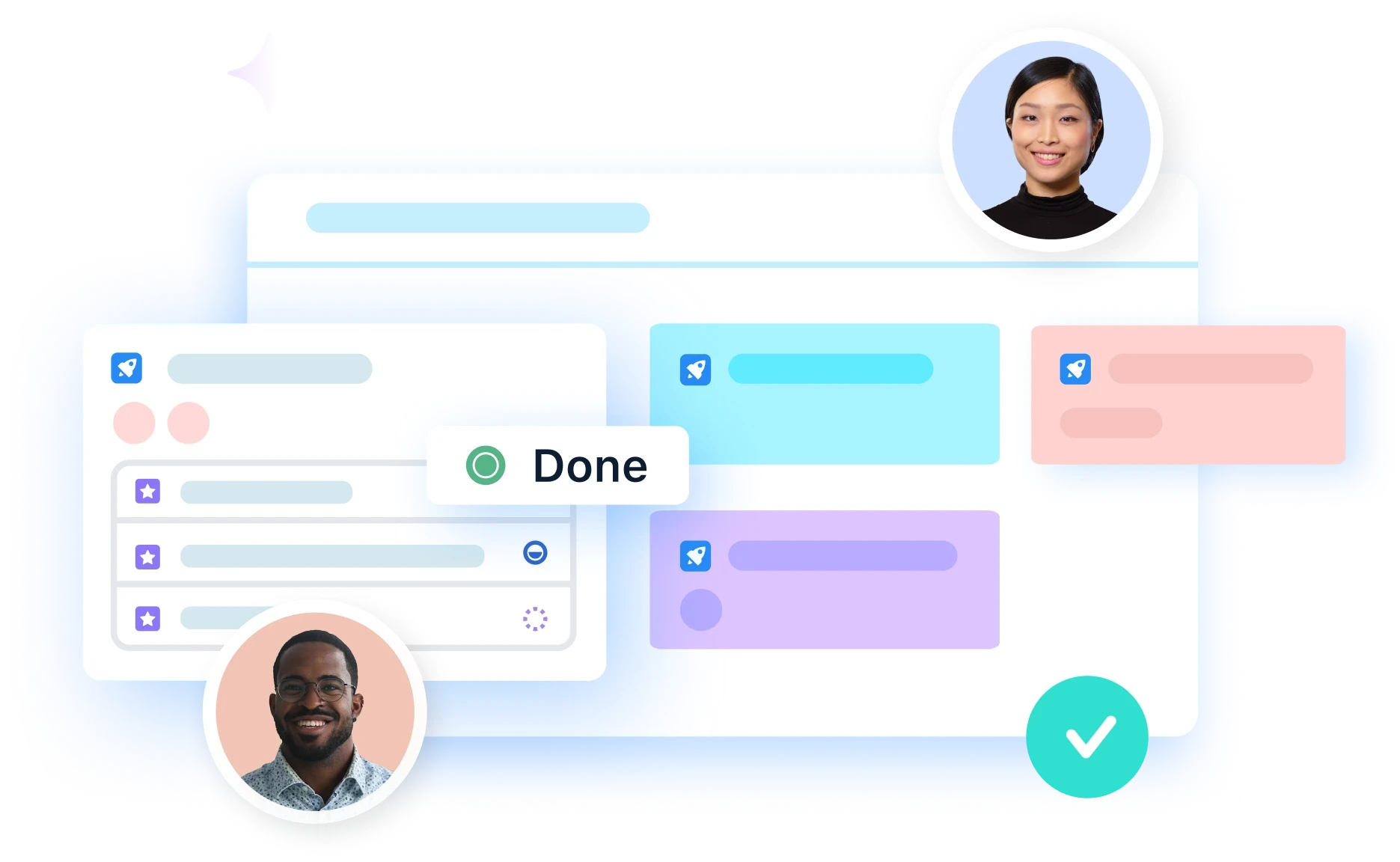
Link evidence directly to roadmap decisions: Connect structured insights to opportunities and roadmap initiatives, automatically rolling up insight counts and customer context. This allows teams to see whether demand behind an initiative is rising, steady, or cooling before committing engineering capacity.
This kind of workflow also closes the loop by showing users that you are taking their feedback seriously. With airfocus Insights, it's easy to connect user feedback directly to your roadmap, helping communicate the road ahead to stakeholders and users alike while showing exactly how you'll address their concerns.
Benefits of user feedback: Why establish user feedback methods?
Imagine for a moment that you've baked an apple pie and offered it out to everyone you know. Each person takes a slice of pie and enjoys it at their own pace. Then, a couple of months later, you bake another pie, but no one seems to want a slice.
Because you didn't ask anyone what they thought of the first pie, you have absolutely no idea why everyone's turning you down this time. Did it not taste right? Was the crust too soft, or the filling too bitter? You simply can't know—and because of that, you've wasted valuable time and resources on a new pie that will now go to waste.
Your product is a bit like that apple pie. With real-time user feedback (or as close to it as possible), you can optimize the recipe and other specifications before investing months of build time.
Aside from gathering first-hand input from the people using your product, user feedback also delivers the following benefits.
User feedback brings alignment
This is especially true in complex organizations. Collecting and structuring feedback brings clarity and aligns product, engineering, sales, customer success, support, and leadership around the same goals. This shared, evidence-backed understanding creates a stronger, more unified product strategy.
User feedback helps you correct mistakes
You don't want to get to release day and realize your product is flawed. Gathering user feedback helps you identify problems early, so that by launch you know you have a highly functional product with major usability issues resolved before reviews start coming in.
After launch, you can also utilize continuous user feedback to improve and optimize the product as your feature set develops.
User feedback gives you a holistic view
Earlier, we talked about customer feedback versus user feedback. In fact, collecting both customer and user feedback gives you a much more holistic view. Gathering insights about the commercial side of your product alongside day-to-day user experience gives you a full, clear picture and SMART goals for the future.
User feedback best practices

Before we wrap up, here are a few tips to help you gather more feedback that actually turns into shipped value.
Build a complete, closed-loop feedback system
User feedback shouldn't be a one-way street. While many companies talk about "listening to the voice of the customer," it often doesn't feel that way to users, or even to internal teams.
In most product organizations, the challenge isn't a data problem; it's a systems problem. Teams already have more customer signals than they know what to do with, scattered across spreadsheets, sales calls, and Slack threads nobody re-reads. Without a traceable system, nobody in a roadmap review can explain why a request is there, who raised it, or what happened to the fifteen other things customers said that didn't make the cut.
There are plenty of ways to gather feedback, from elaborate satisfaction surveys to simple NPS check-ins, yet most of these methods offer no way to trace feedback to a decision or let contributors know their input was taken on board. Instead, high-performing product teams connect customer feedback to durable product decisions, to execution, and back to the customer through a complete feedback loop:
Capture the incoming signal: A signal comes in from across your channels, such as a support ticket, a sales email, or a user research finding.
Structure and link it to an opportunity: That signal is structured as an insight and connected to an existing or new product opportunity or roadmap item.
Tie the opportunity to strategy: The opportunity is linked directly to broader product artifacts, including your product strategy, initiatives, and OKRs.
Create execution plans from rich context: With all that customer evidence and strategic context already attached, teams can create a PRD or launch plan without having to start their analysis from scratch.
Update the signal and close the loop: If and when the opportunity is shipped, the initial signal is updated automatically, notifying customer-facing teams and contributors to close the feedback loop.
This is why modern product organizations rely on a dedicated user feedback tool like airfocus Insights that builds two-way communication and traceability directly into the product workflow:
Close the loop internally: Trigger automated notifications when a linked roadmap item changes status so sales, support, and customer success teams immediately know when a customer's pain point is being addressed.
Close the loop with external users: Keep contributors updated automatically via email notifications and a dedicated "My feedback" section on your customer portal, where users can track the real-time status of every request they submitted.
When communicating with users, it's important to mention how the change will benefit different stakeholders and why they should take note of it. Just as external products offer public release notes, you should share tailored internal updates across teams. Be sure to respond directly to those who suggested changes you have made and offer clear next steps to ensure their issue is fully resolved, strengthening trust with every release.
Ensure your product continues to align with company objectives
As valuable as user feedback is, there is a risk that reacting to every single request will dilute the value your product offers to the business or to your user base as a whole.
Building a connected decision infrastructure doesn't replace product instinct; it gives your instinct a paper trail that everyone across the organization can follow. Having that structured infrastructure also makes AI dramatically more useful, because AI can reason against your strategy, priorities, messy dependencies, and product context rather than operating inside a one-off chat where context dies as soon as you close the tab.
That combination lets you accelerate your feedback workflow while keeping the product manager firmly in control:
AI handles the busywork: Grouping, routing, and structuring incoming signals at scale.
Human judgment drives the decision: Strategic instinct and company objectives determine what actually belongs on the roadmap.
Incorporating every piece of user feedback blindly can pull your product out of alignment with company objectives and weaken your strategic focus. Pairing a trusted, closed-loop decision infrastructure with clear strategic discipline ensures your team ships work that truly counts.
As AI accelerates how fast teams can build, the real advantage isn't just shipping faster; it's shipping with confidence. Grounding your roadmap in structured user feedback eliminates the loudest-voice effect, replacing guesswork with traceable, evidence-based decisions that align every team around what matters most.
Ready to turn scattered signals into shipped value? Try airfocus’ user feedback tool to centralize your feedback management, connect customer evidence to your roadmap, and close the loop on every decision.
can support your team.
Book a demo

Tomas Prochazka


Read also


All product feedback in one place